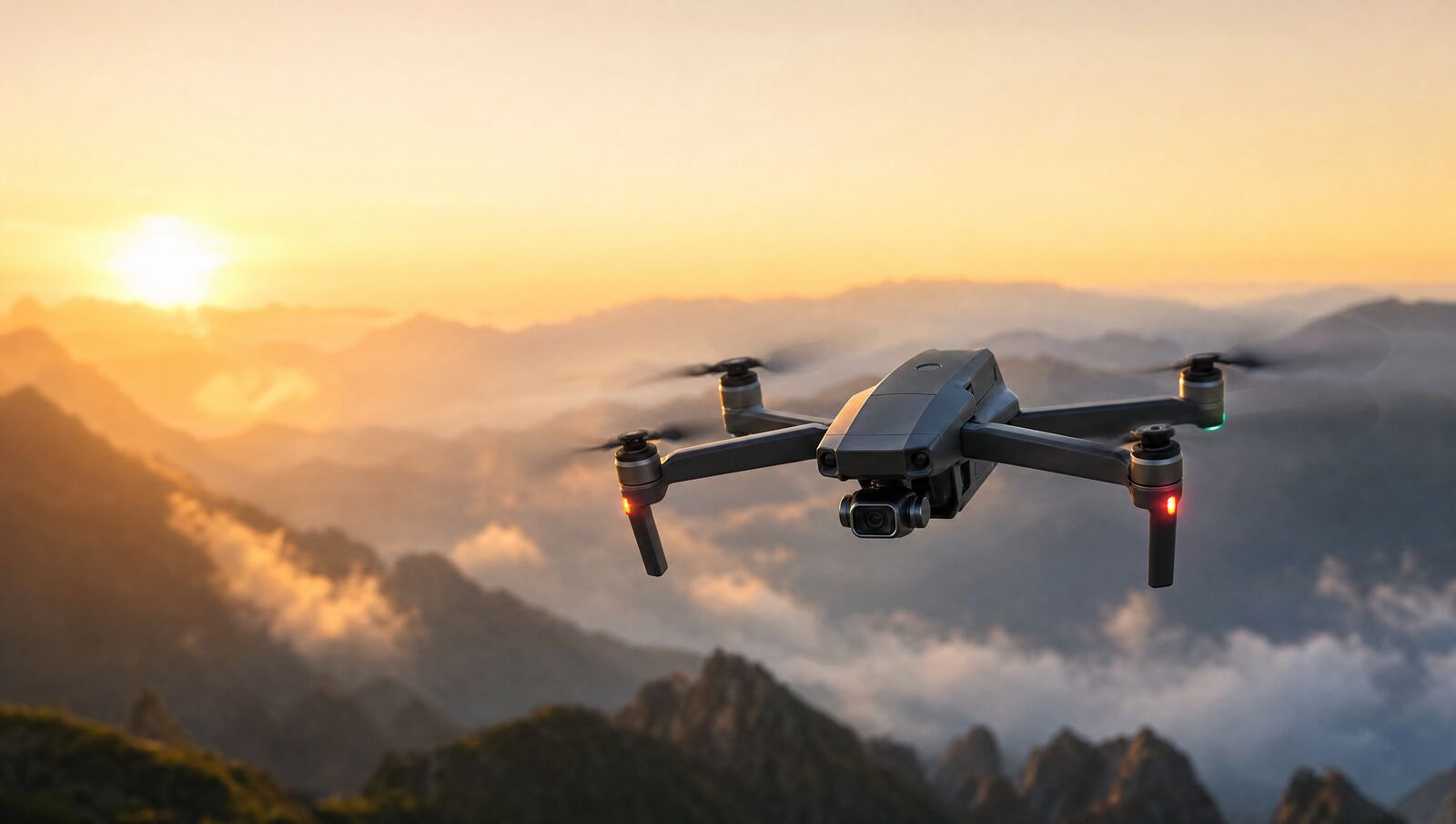
drone flight checklist for beginners
Ed Ricker Vlogs handles drone flight checklist for beginners. The work is quoted on its own facts, the scope is confirmed in writing before anything starts, and the team you message is the team that does the work.
Drone guides for the post‑Mavic‑Pro era
Ed Ricker Vlogs publishes drone guides aimed at pilots flying in the years after the original Mavic Pro stopped being the default choice for hobbyists. The channel and its written pages focus on practical flying rather than hype, and this page gathers the checklist habits that keep a beginner's flight uneventful. The material is written for people who have just bought a modern folding drone and want a repeatable routine before every launch. Everything here reflects the way Ed Ricker Vlogs covers flying on camera: watch the aircraft, watch the sky, and treat each flight as a small project with a beginning, a middle, and a safe landing at the end.
Why a checklist matters for new pilots
A checklist exists because excitement makes people skip steps. When a new pilot unboxes a drone in a car park, the urge to launch immediately is strong, and the steps that prevent problems are the ones that get dropped. Ed Ricker Vlogs encourages beginners to treat the pre‑flight routine as part of the hobby itself, not as paperwork before the fun. Walking through battery condition, propeller seating, calibration, and return‑to‑home settings takes only a short while, yet it catches the faults that cause flyaways and crashes. The guides on the channel show the routine in real conditions, so viewers can see how quickly a careful check becomes a habit that feels natural rather than burdensome.
Checking the airframe before you leave home
The checklist begins indoors, well before the drone sees a field. Inspect each propeller under good light, looking for chips, cracks, and stress marks near the hub, and replace any blade that looks doubtful rather than gambling on it. Confirm that propellers are seated and locked in their motor mounts, since a loose blade can detach during spool‑up. Check that the gimbal guard is removed, the camera lens is clean, and the battery clicks firmly into its bay. Charge the flight battery, the controller, and the phone or tablet you use as a display. Ed Ricker Vlogs recommends packing spare propellers and a cloth in the same bag as the drone so nothing is forgotten at the moment it is needed.
Battery and firmware checks on site
When you arrive at your flying spot, resist launching straight away. Power the aircraft on and let the app run its startup checks, watching for warnings about firmware, motor faults, or sensor errors. Confirm the flight battery shows a healthy charge and that it is warm enough for the conditions, since cold cells sag under load and can trigger low‑voltage landings sooner than expected. Let the drone acquire GPS satellites before takeoff, so the return‑to‑home point is accurate. Ed Ricker Vlogs demonstrates this waiting period in its vlogs, because beginners often launch while the aircraft is still in an attitude or optical‑flow mode and then wonder why it drifts in the early seconds of flight.
Setting return‑to‑home and flight limits
Before the props turn, open the app settings and confirm the return‑to‑home altitude is set above the tallest obstacle near your takeoff point, and that the home point has been recorded from a GPS lock. Set a sensible maximum altitude and a maximum distance that matches your confidence as a pilot, so the aircraft warns you before you wander further than intended. Check that the failsafe behaviour is set to return home rather than land in place, unless you deliberately prefer otherwise. Ed Ricker Vlogs walks through these menu screens in its guides, because the settings live in different places across aircraft models, and a pilot who knows where they are wastes less battery time on the ground.
Scanning the environment around your launch point
The physical survey matters as much as the software checks. Look up for power lines, which are the hazard that catches out more beginners than wind does, and look around for trees, fences, birds, and people who may wander into your flight path. Note the wind by watching treetops, flags, or grass, and consider whether gusts at altitude will exceed what your aircraft can handle. Choose a takeoff spot that is flat, clear of dust and long grass, and away from metal structures that can interfere with compass readings. Ed Ricker Vlogs films this scanning process in the area it serves, showing how a short walk around the launch point reveals hazards that are invisible from behind the controller screen.
The takeoff and early flight routine
Launch from your hand or from a clear patch of ground, hover at a low height, and hold that hover while you confirm the aircraft is stable and the controls respond in the directions you expect. Check the video feed, the battery reading, and the signal bars before flying out. Keep the drone within visual line of sight, glancing between the aircraft and the screen rather than staring at the display. Fly upwind on the way out so the return leg is easier if the battery runs low. Ed Ricker Vlogs repeats this routine on camera in nearly every flight video, because the early hover is where a beginner notices a loose propeller, a compass error, or a control mix‑up while recovery is still simple.
Landing, logging, and packing down
The checklist does not end when the flight does. Land on a clear surface, confirm the motors have stopped before approaching, and let the flight battery cool before charging it again. Inspect propellers once more for new nicks, wipe the lens, and check the airframe for cracks around the arms and motor mounts. Note anything odd, such as a drift, a warning message, or shorter flight time than expected, because patterns in those notes point to a battery or calibration problem early. Ed Ricker Vlogs treats this pack‑down routine as part of the vlog format, showing viewers that careful pilots finish a session with the same attention they started it, and that the aircraft is ready for the next outing without surprises.
Related pages and how to keep learning
What Ed Ricker Vlogs does not do
Ed Ricker Vlogs is a content channel, not a flight school, a repair service, or a retailer. It does not offer paid training courses, does not certify pilots for any regulatory requirement, and does not repair crashed aircraft or sell parts. The guides describe habits and routines that have worked on camera, but they are not legal advice, and every pilot remains responsible for knowing and following the drone rules that apply where they fly. The channel also does not endorse specific vendors or accept responsibility for how a viewer chooses to fly. What it does provide is a straightforward record of real flights, checklists, and honest commentary, which a beginner can use as a companion to their own practice in the area it serves.
More from Ed Ricker Vlogs
Related pages
Sources and further reading on this work
These are public reference documents that a reader may want to check alongside this page. They are listed for background reading only: Ed Ricker Vlogs is not affiliated with, endorsed by or acting on behalf of any of the organisations below.
- USA.gov (U.S. Government Services Administration)
- U.S. Small Business Administration
- International Code Council
Frequently asked questions
What does Ed Ricker Vlogs do for Ed Ricker Vlogs?
Ed Ricker Vlogs works directly with customers, across Ed Ricker Vlogs, Related pages. Each job is quoted on its own facts and the scope is confirmed in writing before any work starts.
How much does Ed Ricker Vlogs cost?
The price for drone flight checklist for beginners depends on what the job involves — the size of the work, its condition and the preparation it needs. Ed Ricker Vlogs inspects first and puts the figure in writing before anything starts.
How do I contact Ed Ricker Vlogs?
Use the contact details on this site. Messages reach the team that does the work, not a call centre, and Ed Ricker Vlogs replies with the scope, the price and the timing in writing.
What should I have ready before asking Ed Ricker Vlogs about drone flight checklist for beginners?
Have the practical details ready: where the work is, when it has to be done, what has already been tried and what outcome you need. Ed Ricker Vlogs asks for what it needs to price the job, then puts the scope in writing so both sides work from the same description of the work.
How does Ed Ricker Vlogs decide what drone flight checklist for beginners involves?
Ed Ricker Vlogs looks at the work in front of it rather than a rate card: the size of the job, its condition and how much preparation it needs decide the scope, and that scope is agreed in writing before anything starts.